Top Up TFT Coins Teamfight Tactics Mobile (TH)
About Teamfight Tactics Mobile TH
Teamfight Tactics (TFT) Mobile is an autobattler strategy game from Riot Games. You build a team of champions on a hexagonal board, choose trait synergies, and manage your economy each round while battles play out automatically against other players. Eight players share a lobby, and the last one standing wins.
This page is only for TFT Mobile accounts in the Thailand (TH) region. Please make sure your Riot account is registered in this region before placing an order.
What You Can Buy
The product on this page is TFT’s premium currency, TFT Coins, for Thailand region accounts. TFT Coins are generally used to buy the premium Pass, Little Legends, arenas, booms, and other cosmetic items in the in-game store. The available packs are shown in the item list on this page. Choose the pack closest to what you need so you are not left with an unused balance.
If you have your eye on a particular Pass or Little Legend, check how many TFT Coins it costs in the game first, then choose a pack that covers it in a single order.
How to Top Up Teamfight Tactics Mobile TH on ItemGame
- Choose a TFT Coins pack. Pick the pack you want from the item list.
- Enter your Riot ID. Type your account’s full Riot ID, including the tagline after the # sign.
- Choose a payment method. Pay in Thai Baht (THB) through the available channels, such as Rabbit LINE Pay.
- Complete the payment. Once the payment is confirmed, the TFT Coins are sent to your account automatically, usually within a few minutes.
How to Find Your Riot ID
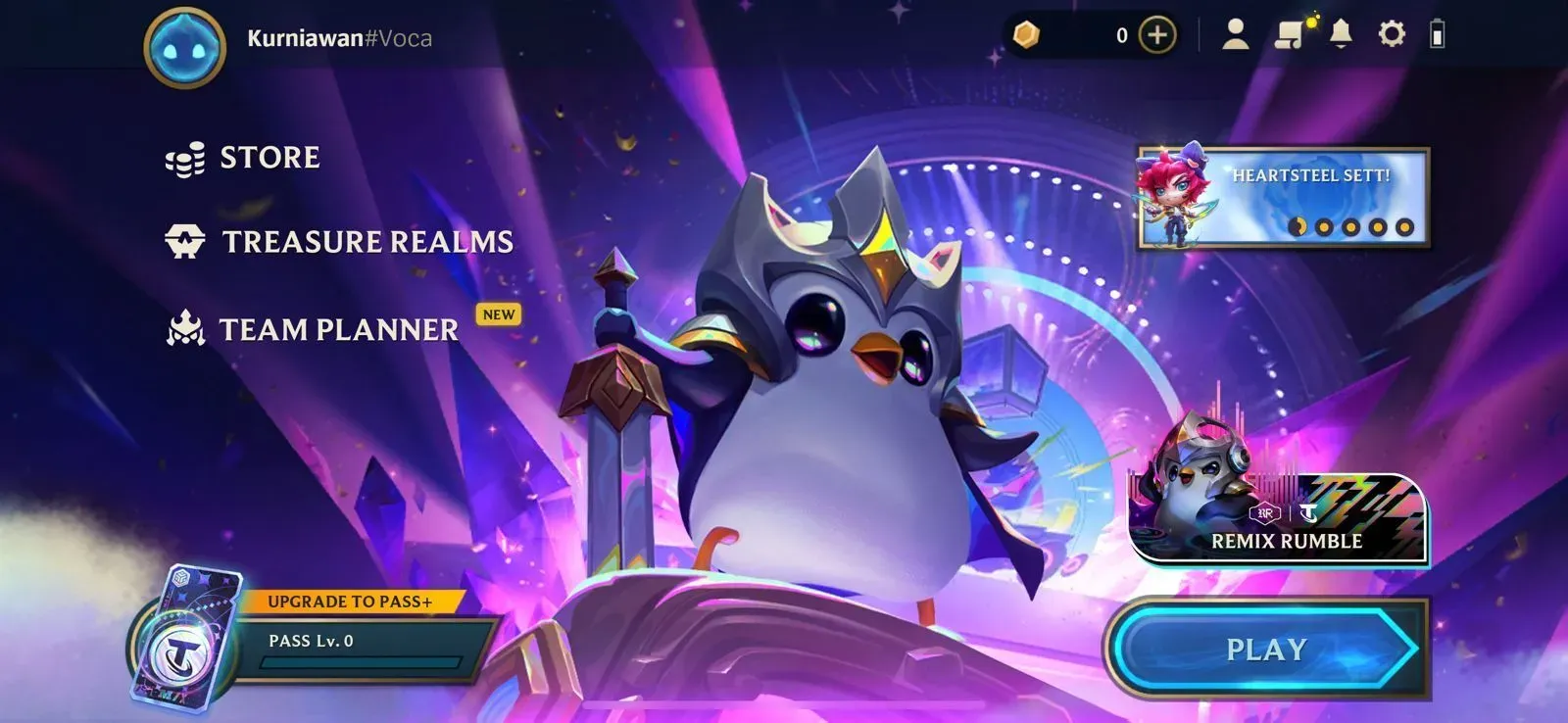
Your Riot ID is made up of a name and a tagline, written as Name#TAG. You can see it on your profile page in TFT Mobile or on your Riot account settings page. Copy your Riot ID exactly as spelled, including uppercase and lowercase letters and the tagline after the # sign.
Tips
- Double-check your Riot ID, including the tagline, before paying, because Coins sent to another account cannot be reversed.
- Make sure your account is in the Thailand region, because this page does not support other regions.
- Choose a pack that matches what you need, for example the Pass that is currently available.
- Keep your invoice number until the TFT Coins show up in your account.
- If several minutes have passed and the Coins still have not arrived, check your order history, then contact the support team with your invoice number.
Once the TFT Coins arrive, you can complete your Little Legends collection and get straight back to the board.
Why Top Up at ItemGame
- Automatic Process
- No Password Needed
- Local Payments
- Customer Support
How to find your Riot ID for Teamfight Tactics Mobile TH top-ups:
- Open TFT Mobile and log in to the Riot account you want to top up.
- Tap the profile icon on the main screen. Your Riot ID is shown on the profile page in the Name#TAG format.
- If you cannot see it in the game, open your Riot account settings page, which also shows your Riot ID and tagline.
- Copy your Riot ID exactly as spelled, including uppercase and lowercase letters and the tagline after the # sign.
- Paste it into the Riot ID field on the ItemGame top-up page and check it again before paying.
Make sure your account is in the Thailand region, because Coins are sent according to the Riot ID you enter and cannot be moved to another account or region.