About the PB Cash Voucher
PB Cash is the premium currency in Point Blank, the PC shooter operated by Zepetto, used for weapons, characters, functional items and cosmetics. This product is a voucher code: you buy the code on ItemGame, then redeem it yourself on your Point Blank account. It suits players who prefer not to share any account details, or who want to give PB Cash as a gift.
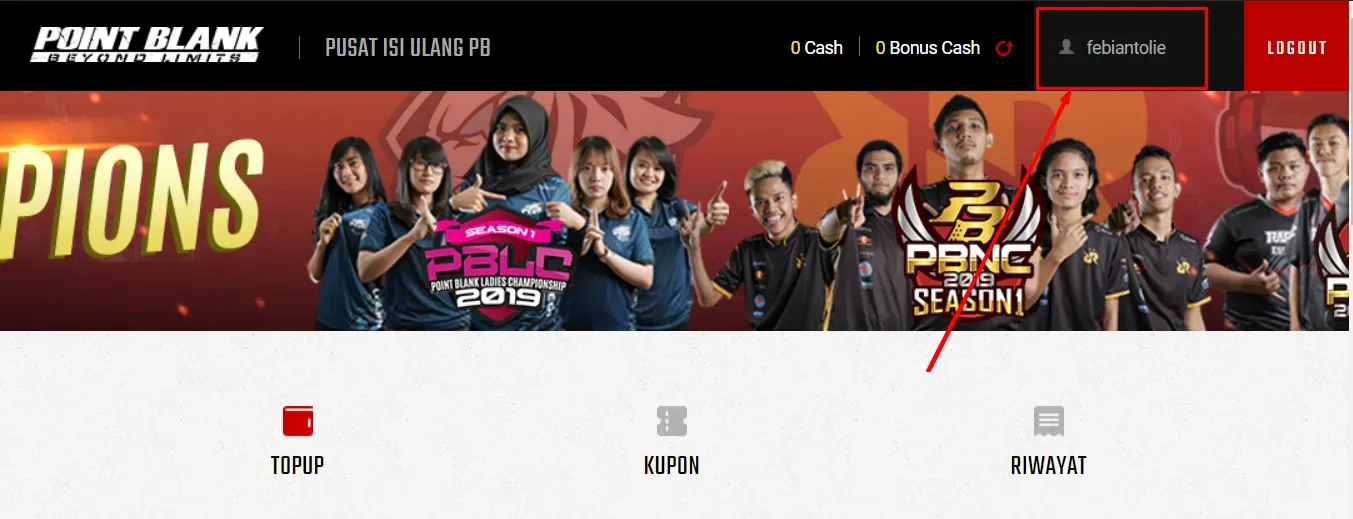
If you would rather have PB Cash sent straight to your account, use the Point Blank top-up page, which only needs your Zepetto username.
What You Can Buy
Voucher codes for 1200, 2400, 6000, 12000, 24000, 36000 and 60000 PB Cash. Each purchase gives one code for the amount you choose.
How to Buy
- Choose the PB Cash amount.
- Pick a payment method and pay.
- The code appears on your invoice page and in your order history once the payment is confirmed.
How to Redeem the Code
- Open the Point Blank Zepetto website in a browser.
- Log in with the account you want to fill.
- Go to Top Up Center and choose the voucher option.
- Enter the code carefully and confirm.
- The PB Cash is added to that account and can be used in the in-game shop.
Tips
- Redeem the code on the correct account; once used, it cannot be moved.
- Keep the code private until you redeem it. Anyone with the code can use it.
- Save your invoice number in case you need help.
Why Top Up at ItemGame
- Automatic Process
- No Password Needed
- Local Payments
- Customer Support
To redeem a PB Cash voucher:
- Open the Point Blank Zepetto website and log in to the account you want to fill.
- Go to Top Up Center and pick the voucher option.
- Copy the code from your ItemGame invoice page and paste it in.
- Confirm. The PB Cash balance updates on that account.
Do not share the code before redeeming it.
PB Cash Voucher FAQ
1 Where do I redeem the PB Cash voucher?
On the Point Blank Zepetto website: log in, open Top Up Center, choose the voucher option and enter the code.
2 Do I need to enter an account ID or log in?
No. This product is a voucher code, so there is no ID field. You redeem the code yourself on your own account after purchase.
3 Where do I get the code after paying?
The code appears on your invoice page and in your order history, usually within a few minutes after the payment is confirmed.
4 The code has not appeared yet. What should I do?
Check the status on your invoice page first. If the order is paid but no code is shown, contact us at cs@itemgame.com or WhatsApp +62 877 7077 7770 with your invoice number.
5 Which payment methods can I use?
Options include QRIS, e-wallets such as DANA, OVO, ShopeePay and LinkAja, bank virtual accounts, and cash payment at Alfamart or Indomaret. The full list appears on the payment page at checkout.
Order Form Point Blank (Voucher Cash)
Buyer reviews
- da***l Verified buyer
Very fast delivery
- kh***1 Verified buyer
nice gengs