About the Steam Wallet Code (MYR)
A Steam Wallet code adds balance to your Steam account for games, DLC, in-game items and Community Market purchases. The codes on this page are in Malaysian Ringgit and meant for Steam accounts set to Malaysia.
What You Can Buy
MYR 5, 8, 10, 16, 20, 24 and larger codes up to MYR 80, MYR 100 and MYR 200 Steam Wallet Codes. Each purchase gives one code.
How to Buy
- Choose the amount.
- Pay with one of the methods shown at checkout. The list depends on the store you shop in: in Indonesia you pay in rupiah with QRIS, e-wallets, bank virtual accounts or retail outlets, among others. In Malaysia the options include DuitNow QR, e-wallets such as Touch ‘n Go eWallet, Boost, GrabPay and ShopeePay, and cash at 7-Eleven.
- The code appears on your invoice page and in your order history after the payment is confirmed.
How to Redeem the Code
- Log in to your Steam account in the Steam app or on the Steam website.
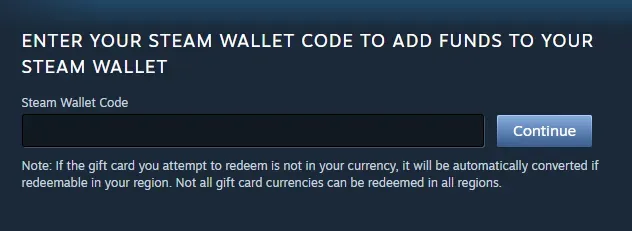
- Open the Redeem a Steam Wallet Code page (in the app: Games menu, then Redeem a Steam Wallet Code).
- Enter the code from ItemGame and confirm.
- The balance is added to your Steam Wallet and can be used right away.
Tips
- Your Steam account currency should be Ringgit for this code.
- Keep the code private until you redeem it.
- Several codes can be redeemed to build up a larger balance.